- +31657126603
- info@eye4audio.nl
- Notelstraat 7a, Esbeek
Do you come across the term Zlink5 MOT or Zlink app come across on forums, Android radios or CarPlay dongles, but not quite clear what exactly it does? Then you're not the only one. Many drivers use Zlink5 to Apple CarPlay and Android Auto to be able to use on a Android head unit, retrofit system or wireless CarPlay adapter, but good explanations are often lacking.
On this page, we explain what Zlink5 APK is, how it works, how to install it, when it is and is not suitable, and what you can do if Zlink5 APK does not work or does not connect.
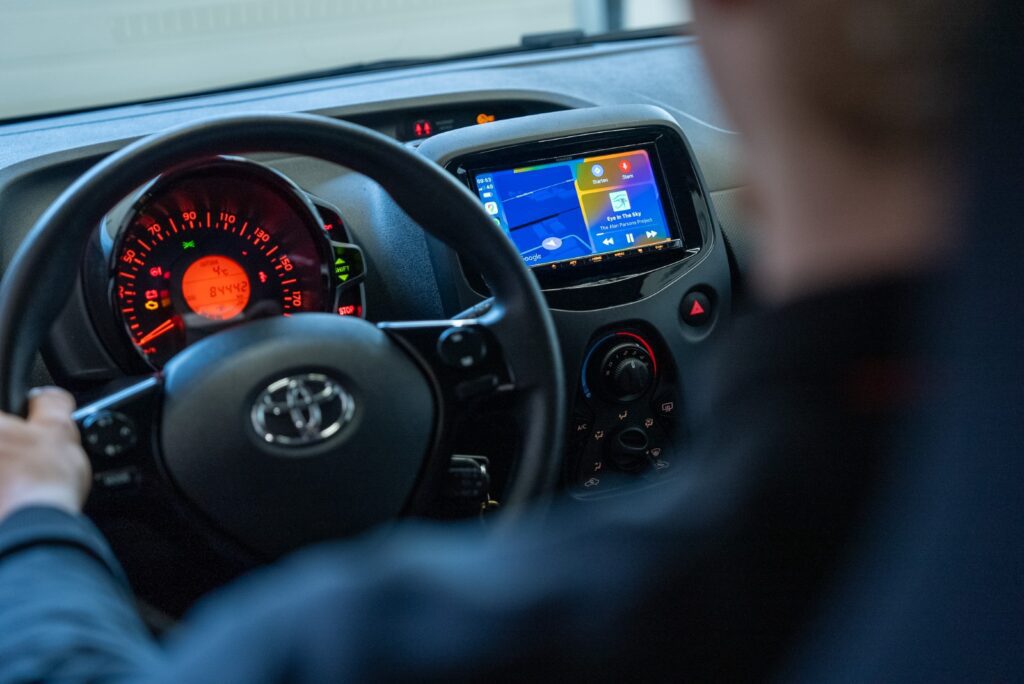
The Zlink5 MOT is an app (installation file for Android) used on:
Android radios
CarPlay dongles and adapters
aftermarket CarPlay modules
retrofit multimedia systems
The app acts as interface between smartphone and car screen, so that you:
Apple CarPlay can be used via Zlink5
Android Auto can start via Zlink5
can connect via bluetooth and/or wifi
In many situations, Zlink5 replaces the standard CarPlay interface on systems that are Do not factory support CarPlay.
Important to know:
Zlink5 is no official Apple or Google app
functionality and stability vary by system
compatibility depends on firmware and hardware
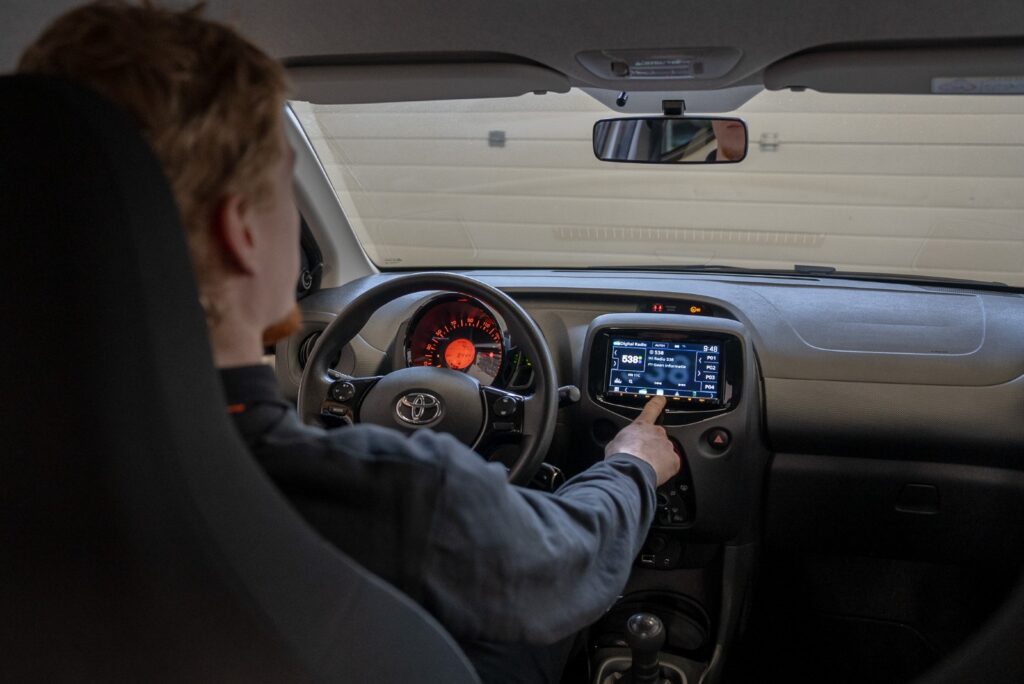
In many cases, Zlink5 comes pre-installed on Android radios. Sometimes you need to install the Download and manually install Zlink5 APK.
Install or update Zlink5 APK file
enable bluetooth and wifi on phone and radio
Open Zlink5 app on the car screen
pair smartphone and confirm connection
Starting CarPlay or Android Auto interface
Features within the app:
Zlink5 settings
Choosing CarPlay / Android Auto
check firmware and version
reset or reconnect connection
The app is used for:
Zlink5 CarPlay support
Zlink5 Android Auto support
mirroring and navigation functions
Spotify and music apps
calling and messaging via phone interface
On many systems, there is also wireless CarPlay via Zlink5 possible, provided wifi direct and bluetooth pairing are present.
Note: Performance depends greatly on:
hardware quality
android firmware version
phone model and OS version
Because Zlink5 runs on a variety of systems, problems occur frequently.
Zlink5 APK does not work
no connection to car or screen
bluetooth pairing failed
wifi connection drops out
screen stays black at startup
CarPlay has no sound
Android Auto crashes or is delayed
Zlink5 APK error message connection failed
app crashes or freezes during use
Zlink5 APK update to latest version
check firmware version of radio
delete and re-pair bluetooth pairing
reset wifi settings
clear app cache
reconfigure dongle or adapter
check compatibility with module
In some cases, a CarPlay Box or OEM integration more stable than Zlink5 APK software pairing.
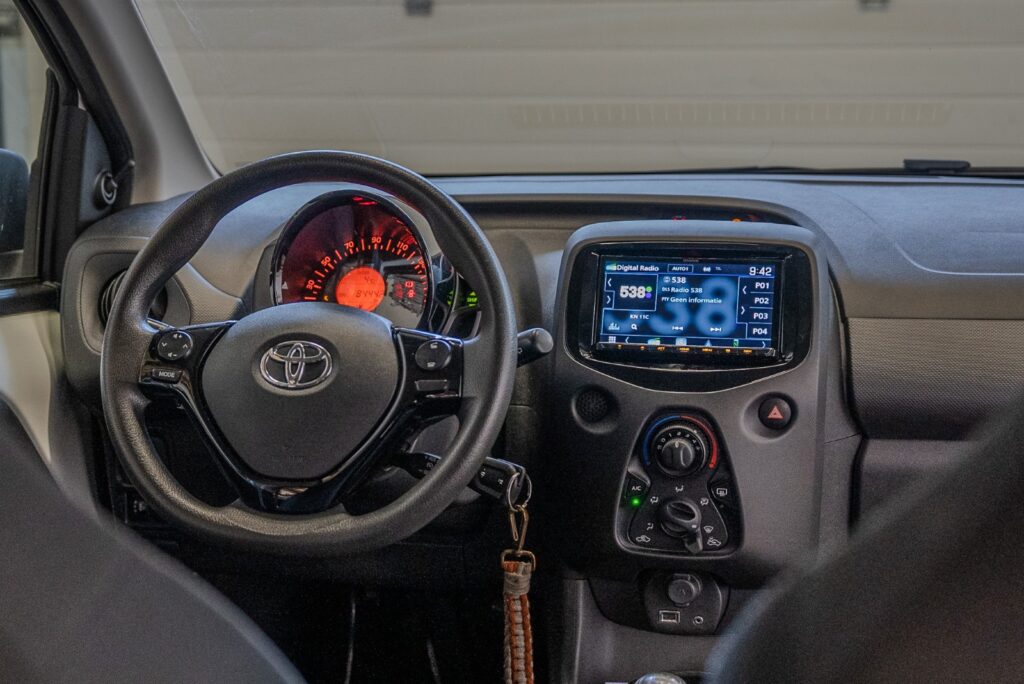
aftermarket Android radios
retrofit systems with app installation
wireless CarPlay adapters
CarPlay / Android Auto dongles
OEM factory systems without Android base
vehicles without app installation capability
users expecting maximum stability
For professional use or daily commuting, a hardware CarPlay solution often more reliable.
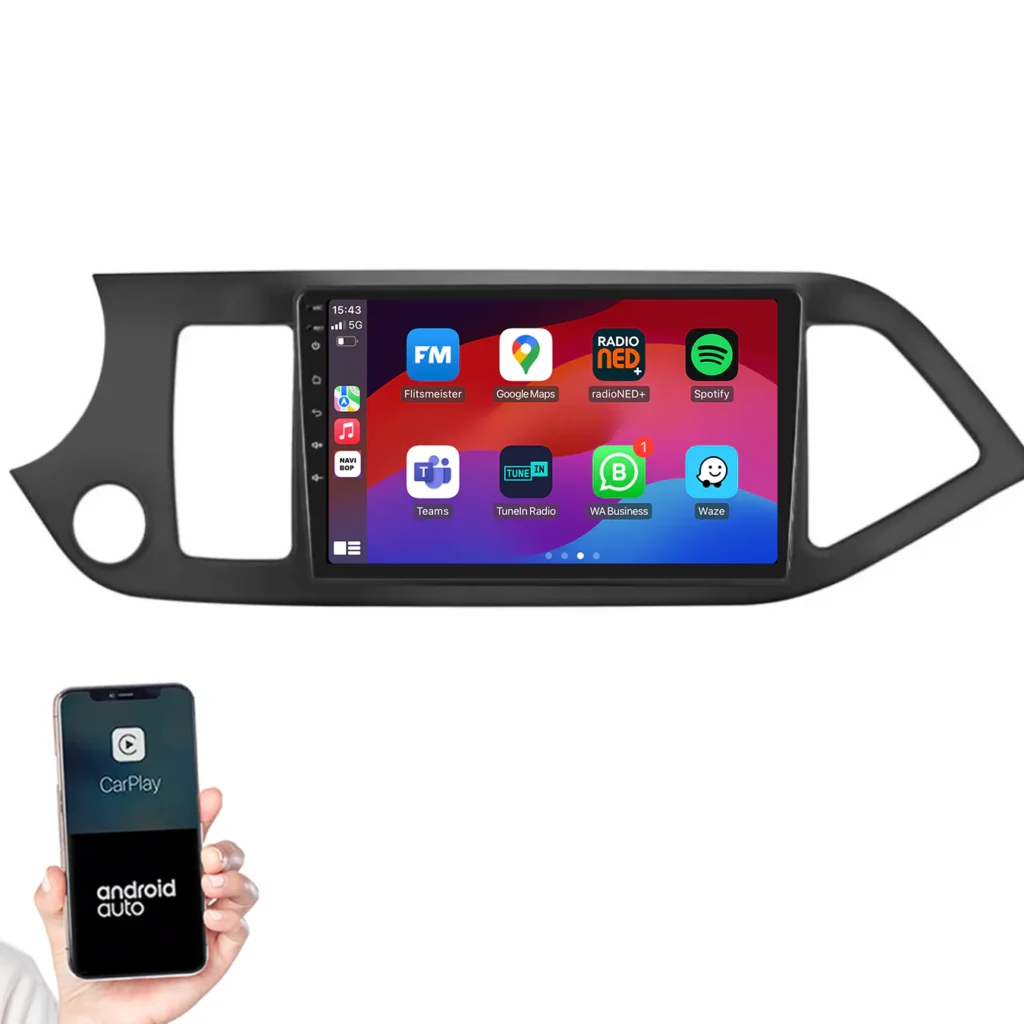
Within the app you can usually:
the Zlink5 APK version check
download updates
view firmware status
reset settings
It may occur:
New Zlink5 updates improve connection
other updates actually cause problems
compatibility per phone varies
Therefore, we always recommend that the firmware, app version and hardware match check before proceeding with troubleshooting.
Zlink5 APK is an Android app that enables Apple CarPlay and Android Auto on Android radios, dongles and retrofit modules.
No, compatibility varies by system, firmware and hardware.
Yes, if the system supports wifi direct combined with bluetooth pairing.
Usually due to firmware issues, wireless instability or incompatible hardware.
No. Zlink5 is software, a CarPlay Box is hardware with more stable OEM integration.
Do you want to know if your Android radio is compatible with Zlink and CarPlay/Android Auto? Get in touch with Eye4Audio and we'll help you out.
📧 info@eye4audio.nl
📱 WhatsApp: +31 6 57126603
📍 Workshop Esbeek - installation in Brabant
👉 Ask for a free compatibility check to.
Eye4Audio - specialist in CarPlay, Android Auto and Zlink.