- +31657126603
- info@eye4audio.nl
- Notelstraat 7a, Esbeek
Do you have an Android car radio, CarPlay Box or wireless adapter and want to use Apple CarPlay or Android Auto via an app? Then you often end up with the CP Link app (CP Link APK). This application provides the connection between your smartphone and the infotainment screen in the car, allowing you to use CarPlay or Android Auto on a system that does not support it by default.
With CP Link CarPlay and CP Link Android Auto you can use navigation, Spotify, calling, messaging and multimedia through your smartphone on the car screen. The app is mainly applied to aftermarket Android radios, CarPlay dongles and retrofit modules.
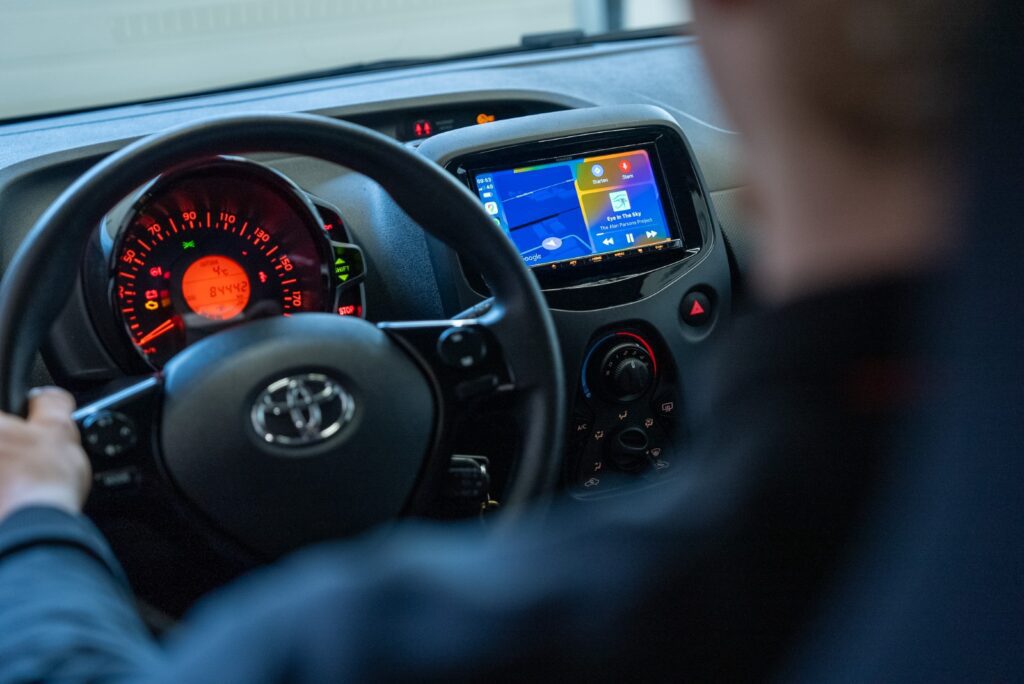
The CP Link application is a connection app that acts as a CarPlay and Android Auto interface Android-based head units. The app allows your smartphone to connect to the headunit via bluetooth or wifi, after which CarPlay or Android Auto becomes visible on the screen.
The app is often used with:
Android radios and multimedia systems
wireless CarPlay adapters and dongles
retrofit CarPlay modules
universal multimedia screens
Key features of CP Link CarPlay interface:
Apple CarPlay support via CP Link
Android Auto connection via CP Link
bluetooth or wifi pairing
mirroring and multimedia stream integration
setup and pairing via smartphone
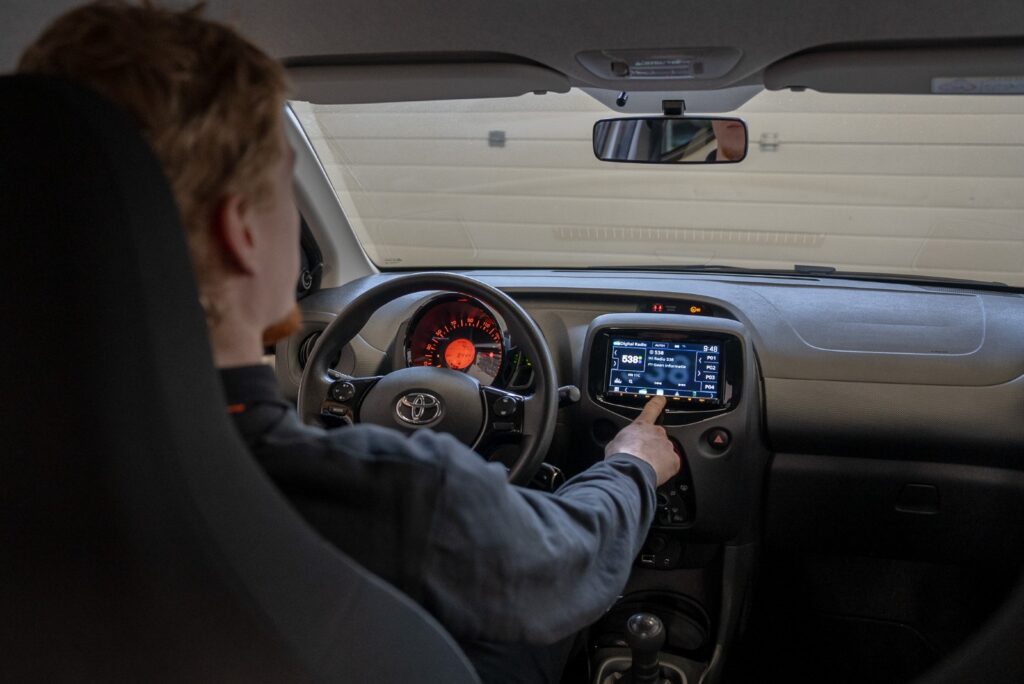
In many cases, the app can be accessed via a CP Link app download or APK installation be added to Android systems. Then you can set up pairing via bluetooth or wifi pairing.
Steps in outline:
CP Link app install or update
connect smartphone via bluetooth or wifi
CP Link setup open on the radio
Starting CarPlay or Android Auto interface
confirm connection on phone and screen
The app is available for both:
CP Link iOS / Apple CarPlay
CP Link Android / Android Auto
After pairing, you can control navigation, music and apps through the car screen.
Many systems also support CP Link wireless CarPlay, where your phone automatically connects without a cable. This usually works via wifi direct combined with bluetooth pairing.
Advantages:
do not connect cables
connect automatically when boarding
ideal for everyday use
Note: stable wifi connection is important for good performance.
Because CP Link runs on different Android systems, connection problems sometimes occur. Typical situations:
CP Link does not work or does not start
no connection to CarPlay interface
bluetooth pairing fails or disconnects
sound does not work via Android Auto
wifi connection drops out during use
Screen stays black when CarPlay starts
delay or lag in the interface
Possible solutions:
CP Link update install
check firmware and app version
re-pairing bluetooth
reset wifi connection
Perform CP Link app reset
testing cable or adapter
check compatibility of module
The app depends on:
Android radio type
firmware version
used CarPlay dongle or module
smartphone model and OS version
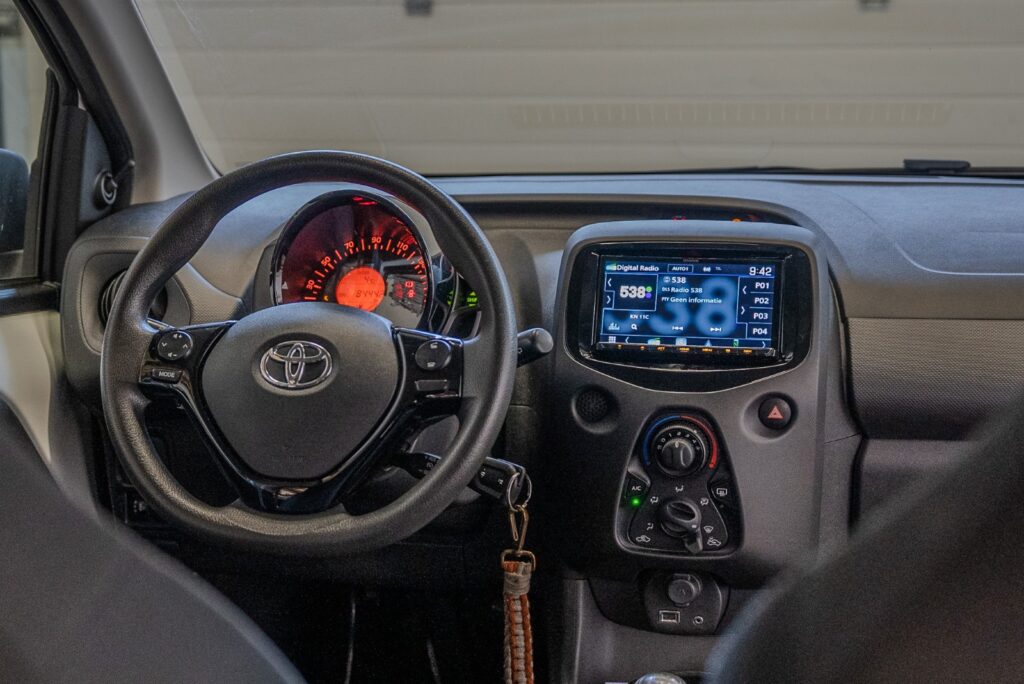
Well suited at:
Android head units
universal multimedia systems
retrofit CarPlay modules
wireless CarPlay adapters
Less suitable with:
OEM factory systems without Android base
vehicles without app installation capability
systems without wifi or bluetooth support
In some cases, a CarPlay Box or OEM integration better than an app solution, for example, when stability, audio quality and vehicle integration are important.
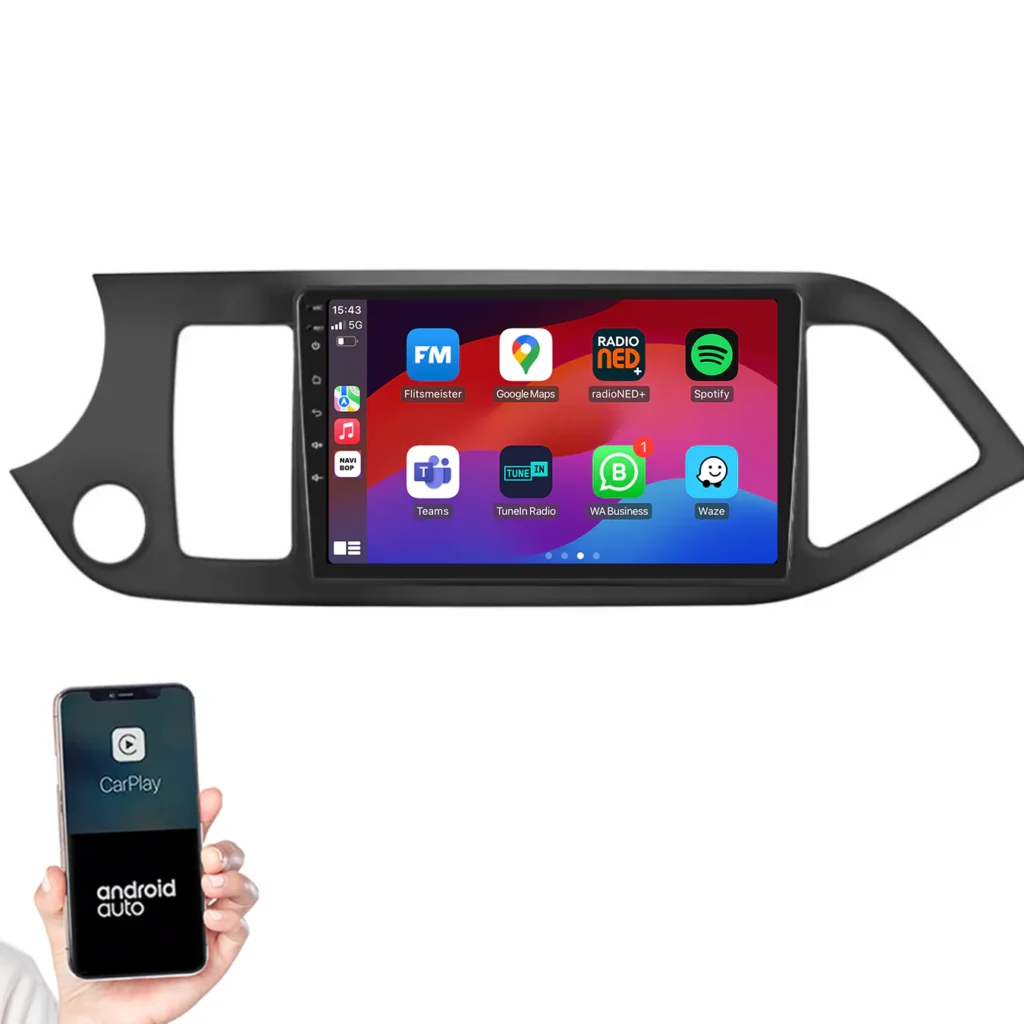
The app allows you to:
navigate via Apple Maps, Google Maps or Waze
Using Spotify, podcasts and music apps
hands-free calling and message reading
multimedia playback via smartphone
Use mirroring features on some systems
The goal of CP Link is to smartphone integration in the car possible on systems that do not otherwise support it.
Not always. It depends on firmware, compatibility and hardware support.
Yes, on systems with wifi direct and bluetooth pairing.
This is often due to WiFi or Bluetooth instability, outdated firmware or incompatible dongles.
No. CP Link is an app solution, while a CarPlay Box is a hardware retrofit module.
Then it is wise to have firmware, app versions and hardware compatibility checked.
With CP Link get all the benefits of Apple CarPlay and Android Auto to your existing Android radio-without complete replacement, with professional integration.
📧 info@eye4audio.nl
📱 WhatsApp: +31 6 57126603
📍 Workshop Esbeek (Brabant) - by appointment
👉 Ask for a free compatibility check to (send your license plate number, make of radio and dashboard photo).

Vanwege de vakantieperiode zijn wij tijdelijk niet telefonisch of per e-mail bereikbaar.
Om je zo snel mogelijk te kunnen helpen, verloopt alle communicatie de komende periode uitsluitend via ons offerteportaal. Bedankt voor je begrip!