- +31657126603
- info@eye4audio.nl
- Notelstraat 7a, Esbeek

Get a Android Auto error code or error message When you want to connect your phone to the car? If so, you're not the only one. Android Auto can interfere with the connection, USB cable, Bluetooth, WiFi, dongles, retrofit modules or the car's infotainment system.
Common reports include:
Android Auto does not work
Android Auto connection failed
Android Auto error code or error code
Android Auto cannot connect
On this page, we explain What the most common Android Auto error codes mean, why they arise and what steps you can try yourself - before diagnosis is needed.
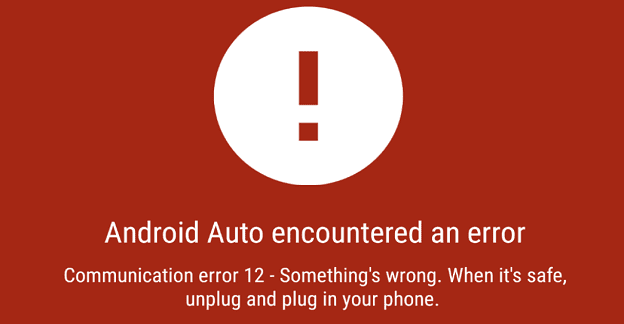
Android Auto can give errors due to such things as:
poor or unsuitable USB cable
unstable Bluetooth or WiFi connection
outdated app or firmware version
compatibility issues with dongles or retrofit modules
incorrect permissions or settings
poorly integrated aftermarket interfaces
Sometimes it is easy to solve - sometimes it requires technical diagnosis.
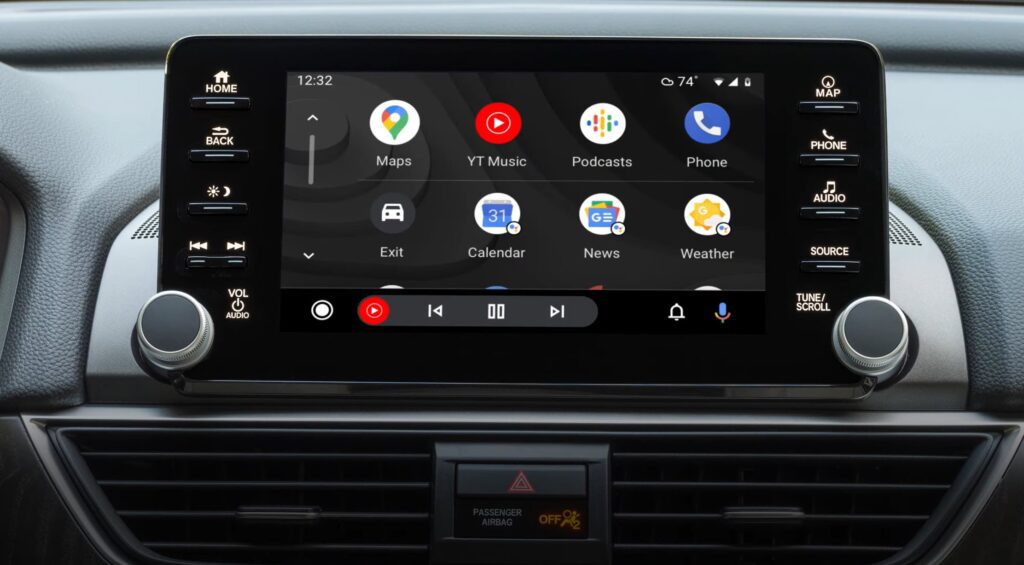
Occurs mostly on wired connections.
What does error code 8 mean?
The data connection between phone and car is not properly established.
Common causes
charging cable without data connection
cable damaged or too long
USB port does not provide stable signal
interference from adapters / extension cables
👉 Possible solutions
use a short, high-quality USB data cable (preferably original)
test a second cable to rule out that it is defective
connects directly to the main USB port of the car
remove any USB hubs or adapters
restart phone and infotainment system
In 8 out of 10 cases, error code 8 is cable- or port-related.
What does error code 11 mean?
Android Auto does not get full access to system functions.
Possible causes
app permissions not accepted
account permissions not confirmed
security or privacy restrictions active
👉 Possible solutions
open Settings → Apps → Android Auto → Permissions
give access to:
phone
reports
location
media/files
update:
Android Auto
Google Play Services
restart the phone after adjusting permissions
What does error code 12 mean?
The phone, Android Auto version or dongle is not compatible.
Possible causes
outdated Android Auto app
old firmware in dongle / module
phone or system not supported
👉 Possible solutions
update Android Auto via Google Play
update firmware from dongle / adapter / retrofit module
check compatibility with your car model
uninstall Android Auto → reinstall
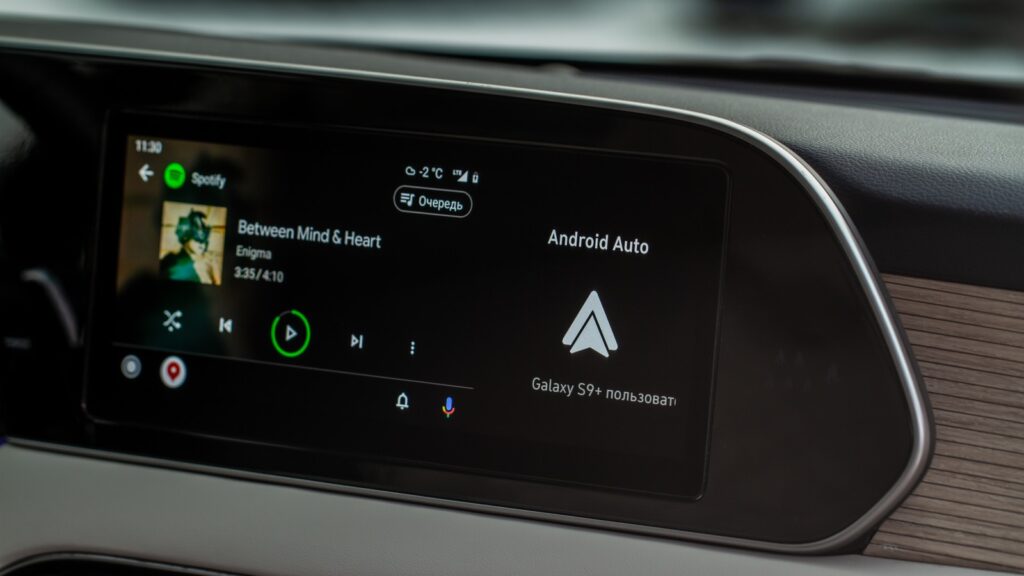
Commonly occurs with wireless connections.
What does error code 16 mean?
Wireless pairing is started but not completed.
Possible causes
double stored device profiles
unstable WiFi bridge
conflict with previous connections
👉 Possible solutions
remove car and dongle at:
Bluetooth device list
WiFi profiles
couple again
temporarily disable smartphone hotspot
restart phone and infotainment
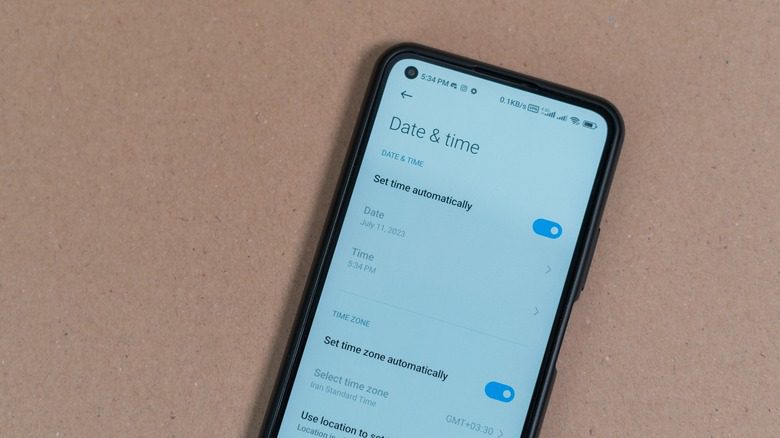
Commonly seen with dongles and retrofit modules.
What does error code 17 mean?
The system disconnects during the handshake.
Possible causes
protocol mismatch
power or signal loss
weak / defective USB cable
👉 Possible solutions
use other cable
reset dongle or module
update firmware
test with other smartphone for control
Does error code 17 keep coming back?
If so, the problem often lies in the hardware or integration.
What does error code 19 mean?
The audio data stream cannot be processed stably.
Possible causes
audio codec errors
media process crash
battery saving settings
👉 Possible solutions
restart infotainment
disable battery optimization for Android Auto
update music / navigation apps
close other apps in the background
Common in devices with work profiles or MDM management.
👉 Possible solutions
check whether Android Auto allowed in company profile
temporarily disable security policies (if possible)
update Google Play Services
test with a private phone by contrast
What does error code 22 mean?
The phone is in charging mode instead of data mode.
👉 Solution
open USB settings
select File Transfer / Data
use other USB port or cable
What does error code 23 mean?
Driver stack or system process crashes.
👉 Possible solutions
phone reboot
Android Auto cache + data clearing
system update
👉 Possible solutions
free up storage space
shut down apps
Reinstalling Android Auto
reboot phone
On reports such as:
android car unknown error
android car pairing failed
android car does not work with car
there often is:
combination of errors
unstable dongle / adapter
firmware or configuration conflict
In those cases technical diagnosis needed.

In practice, we see failures caused by:
cheap Android Auto dongles
universal retrofit modules
aftermarket interfaces without OEM integration
poor cabling or installation work
Then “re-pairing” usually does not help.
The system must then professionally measured Becoming.
Analyzing Android Auto failures takes time and requires:
measuring equipment
technical knowledge
system and CAN analysis
That's why we work with diagnostic fee of €82.50 per hour.
you pay only for the time required
we discuss findings and solutions in advance
repairs are always done by mutual agreement
That way you know exactly where you stand - transparently and professionally.
Send us:
the error code or error message
car make, model and year of manufacture
type of dongle, module or system
Whether Android Auto is used wired or wirelessly
Then we will take a focused look with you and schedule a diagnostic appointment if necessary.
📧 info@eye4audio.nl
📱 WhatsApp: +31 6 57126603
📍 Esbeek - region of Tilburg